
LumoAssistant · Software for your investigation agency
All your agency’s cases in one place
We develop the LumoAssistant system for your investigation agency. Keep surveillance notes, photos, recordings and documents in one place. Work comfortably on a case, both in the office and in the field.
Request a LumoAssistant presentation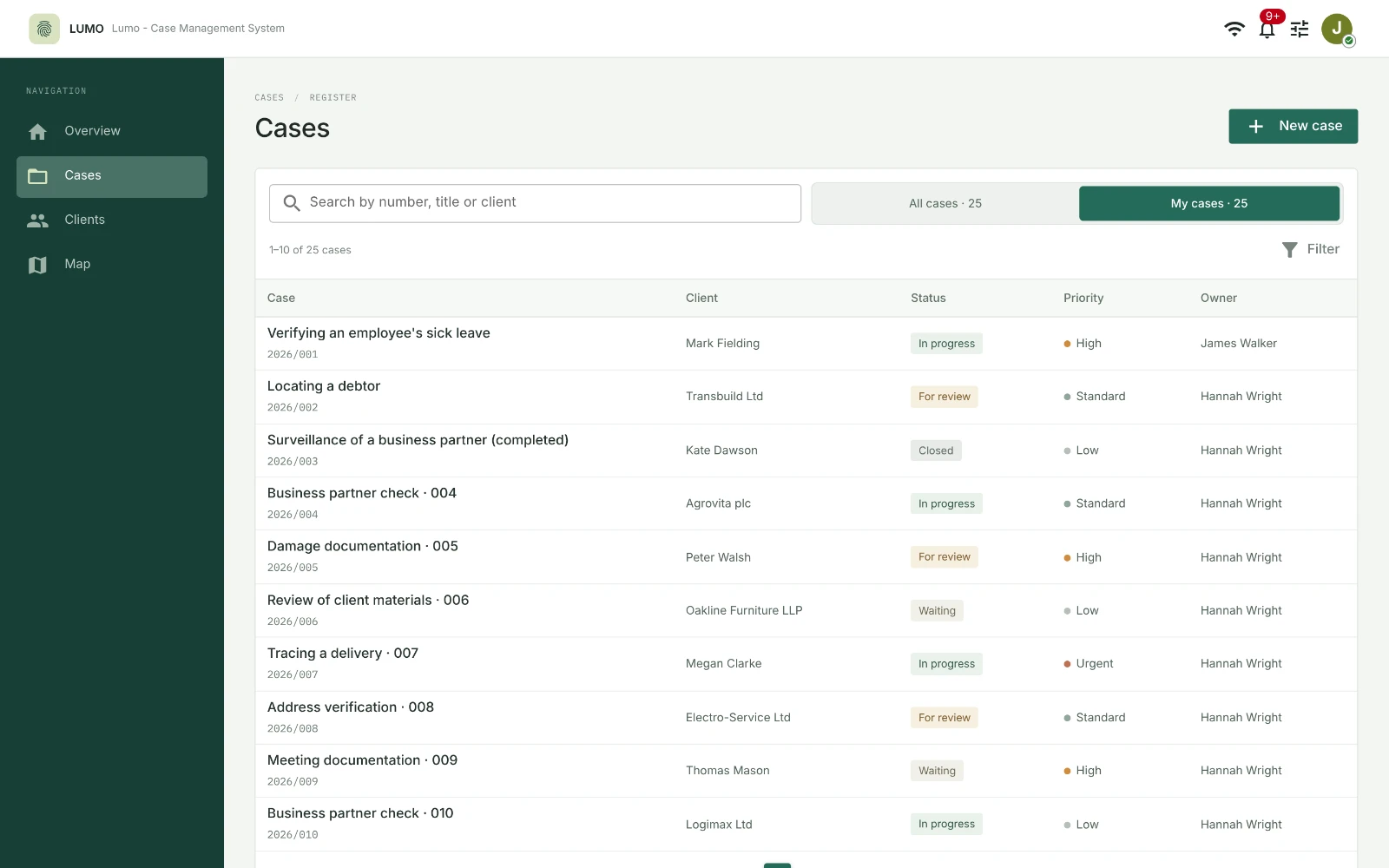
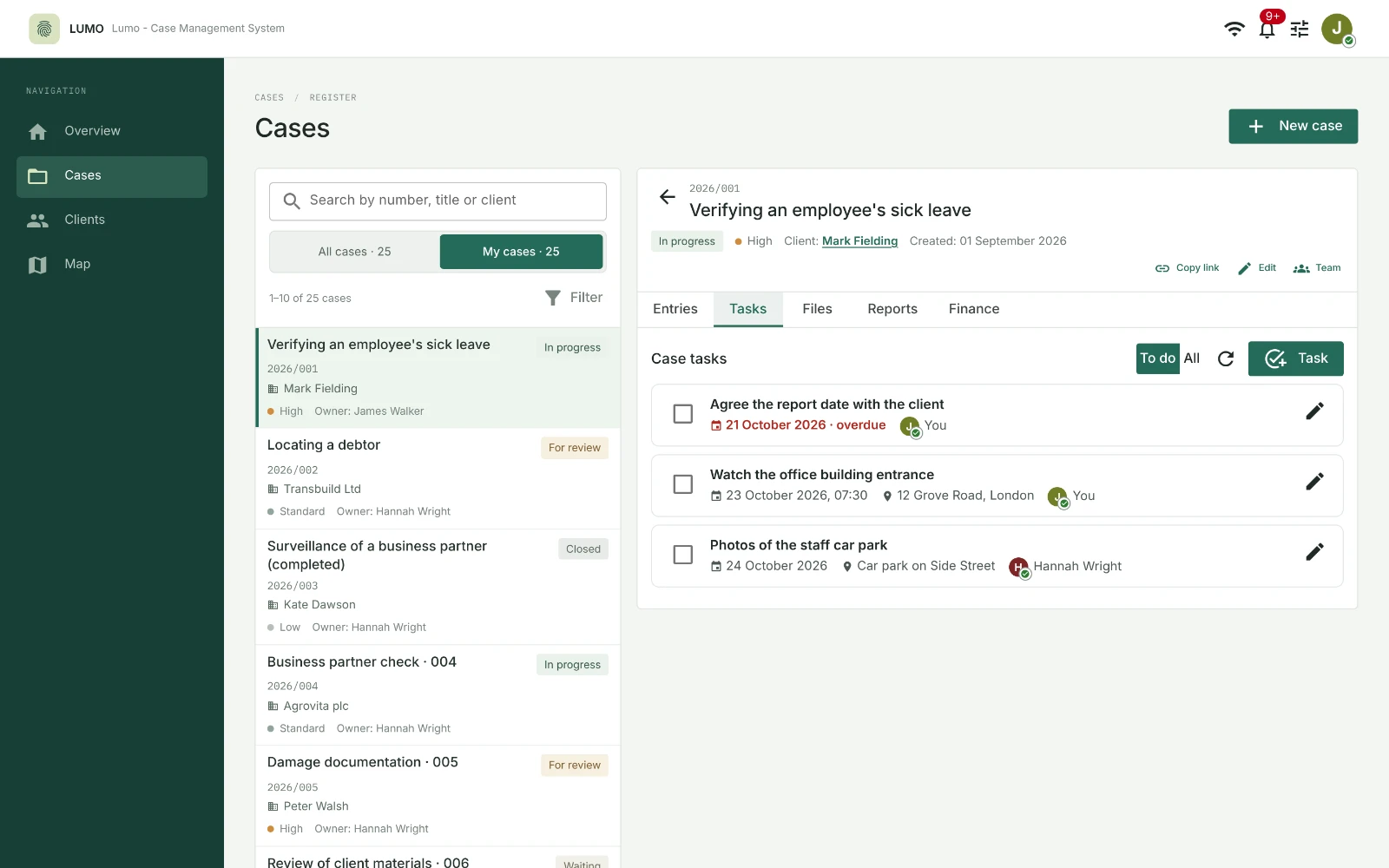
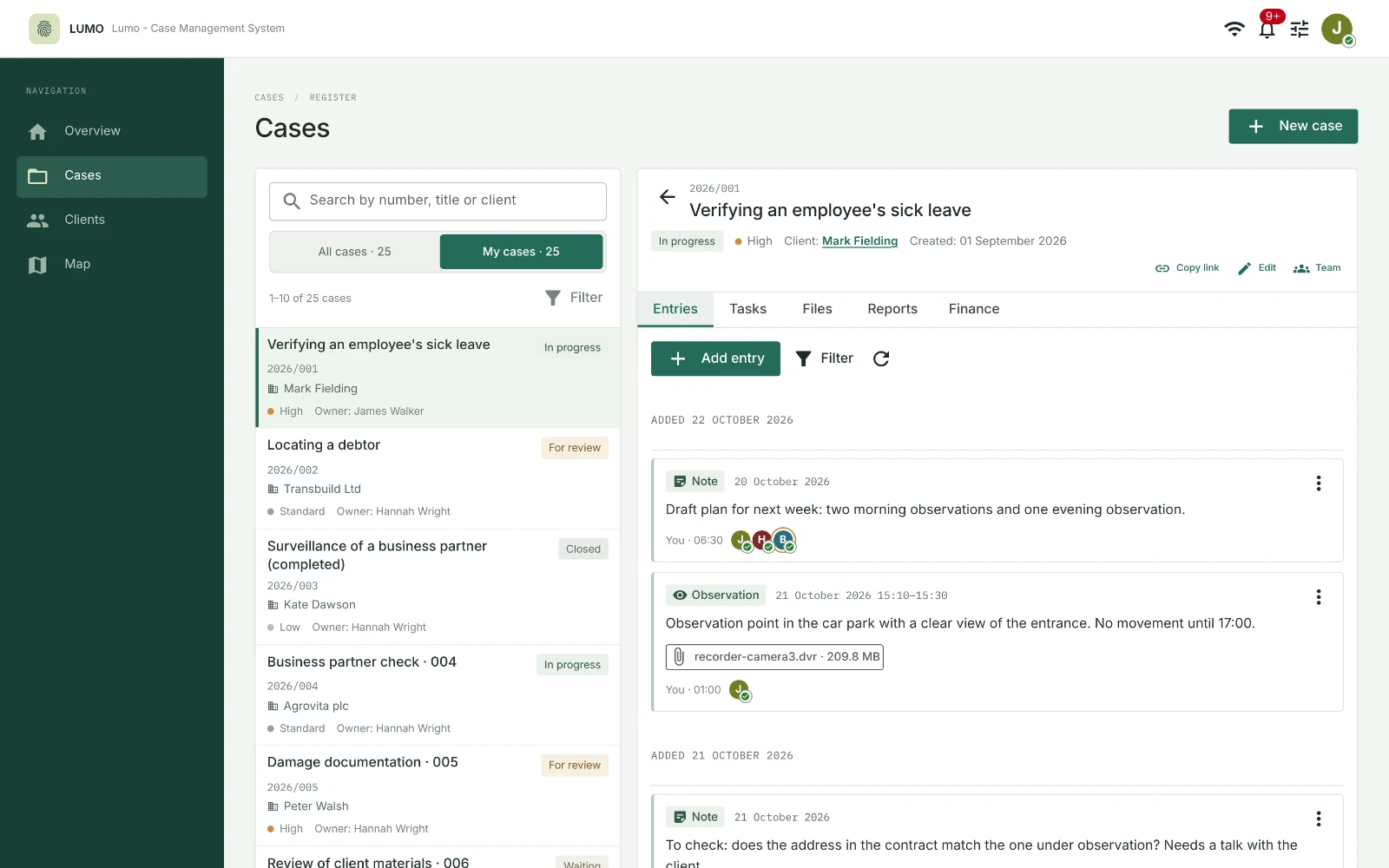
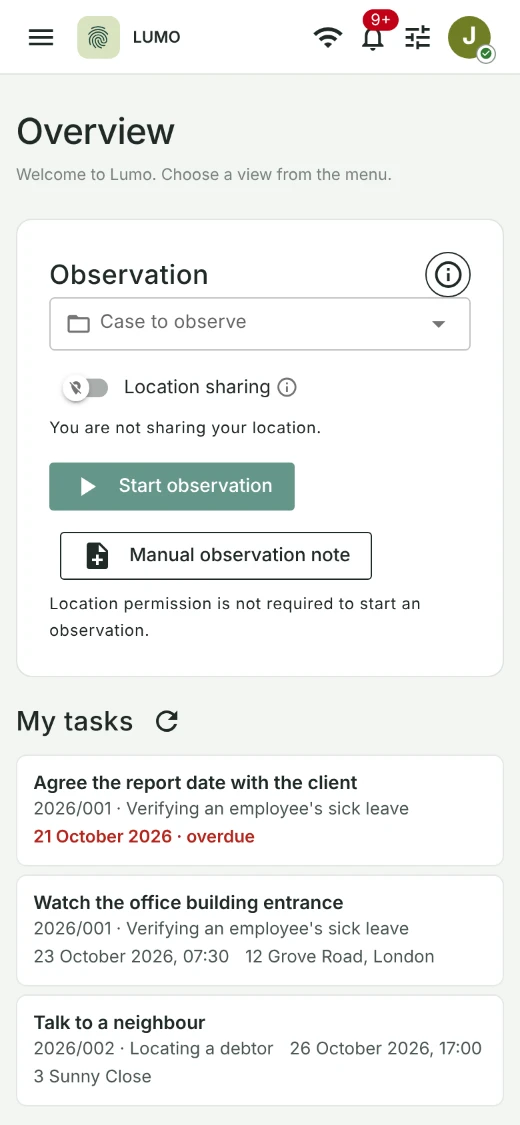
Screenshots show the demo version. People, companies and cases are fictional. We agree the implementation scope individually. Screenshots show the English interface, except for the team map, which is shown in Polish. Select a screenshot to enlarge it.
Case documentation
The whole case, step by step.
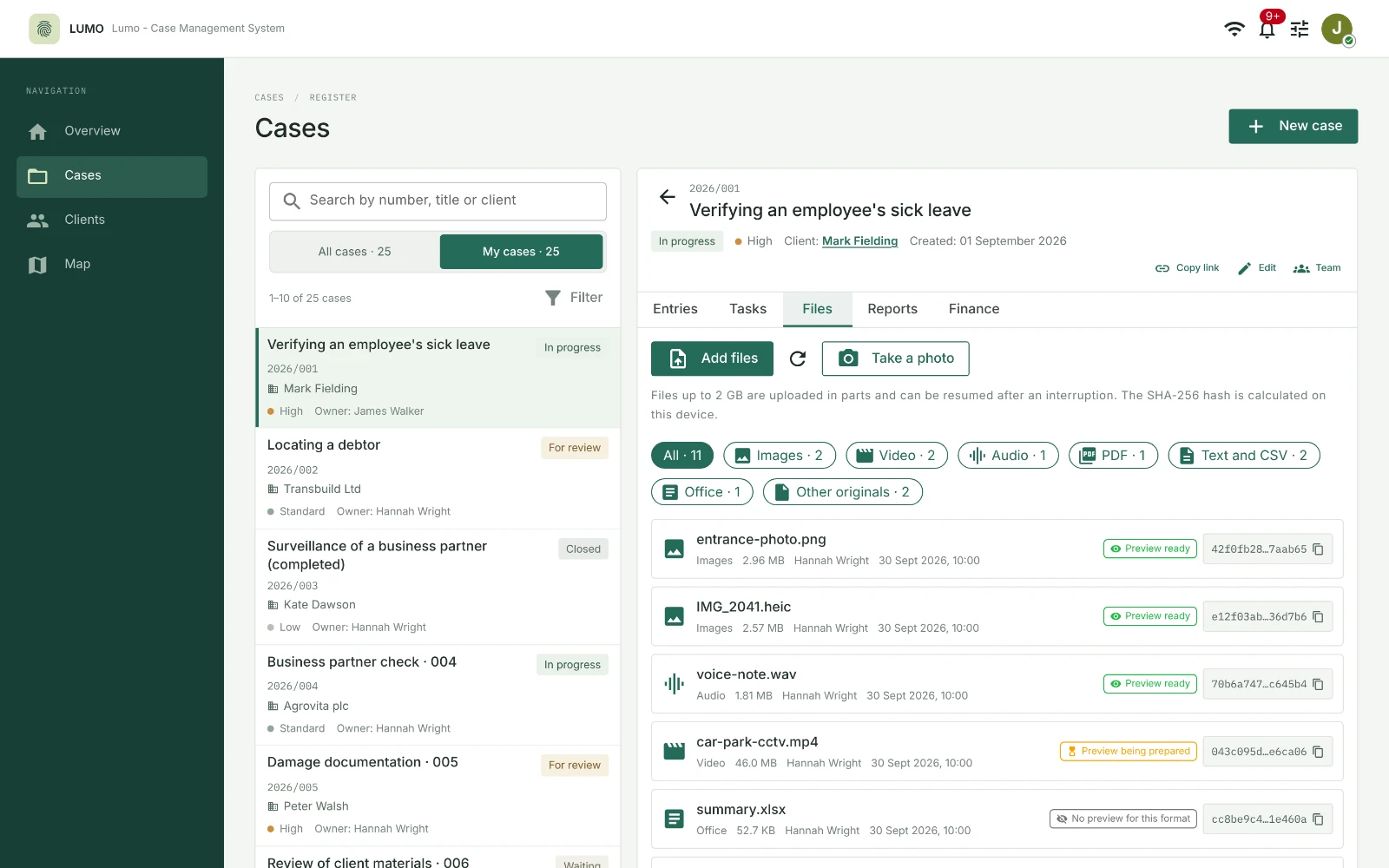
Open a case to see what your team has found so far. Your surveillance notes, photos, recordings and documents are all there. Look back at earlier events and plan tasks for the team.
- A day-by-day timeline of notes and surveillance logs.
- Photos, recordings and documents kept with the right case.
- Audio transcription with uncertain passages highlighted.
- Team tasks with deadlines and an assigned person.
Reports and expenses
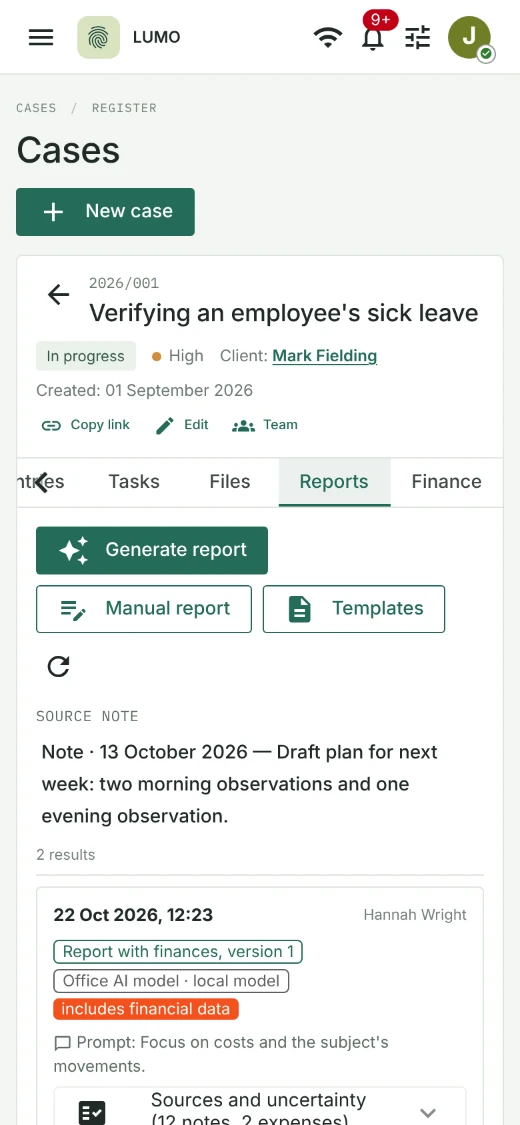
From notes to a client report.
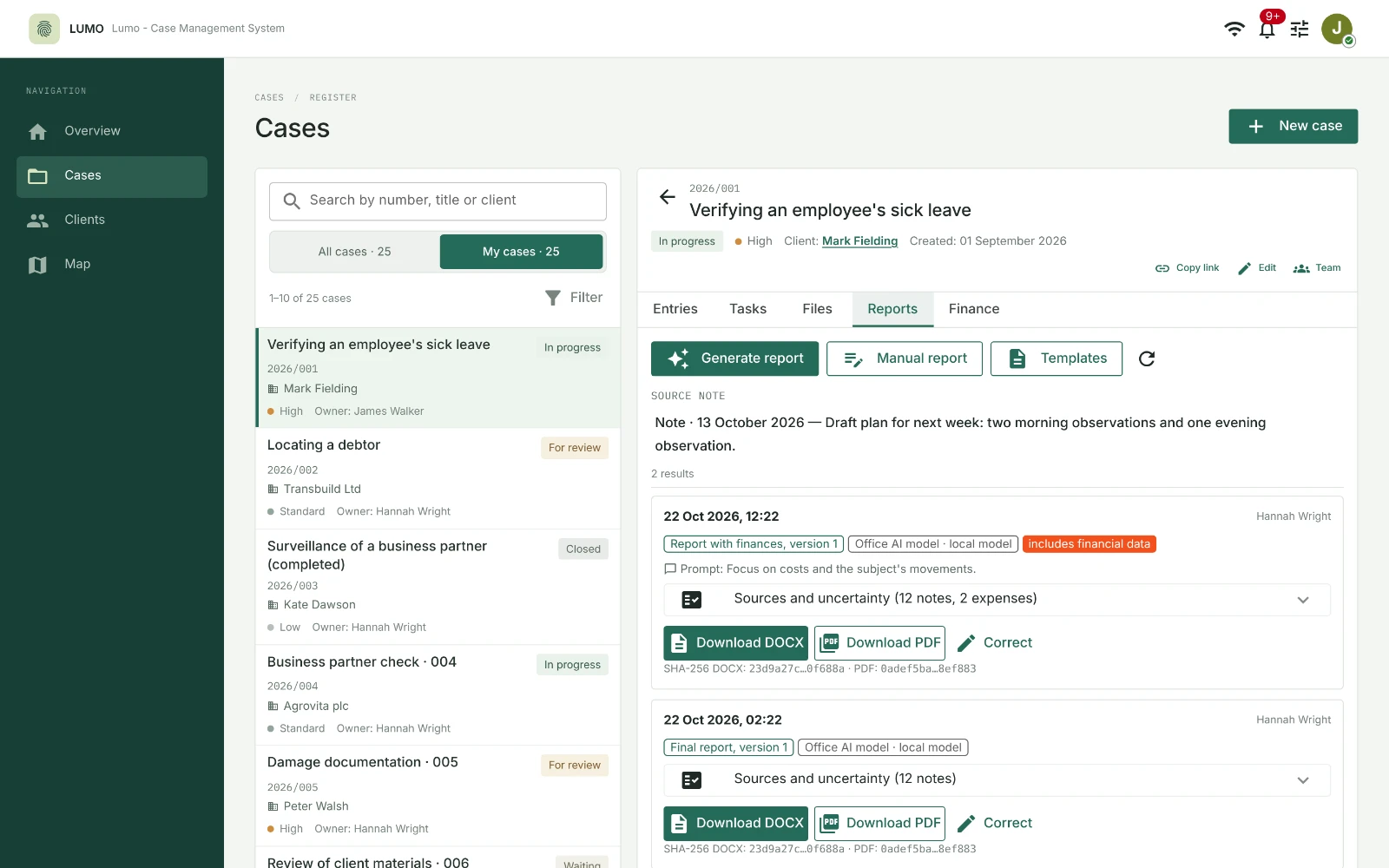
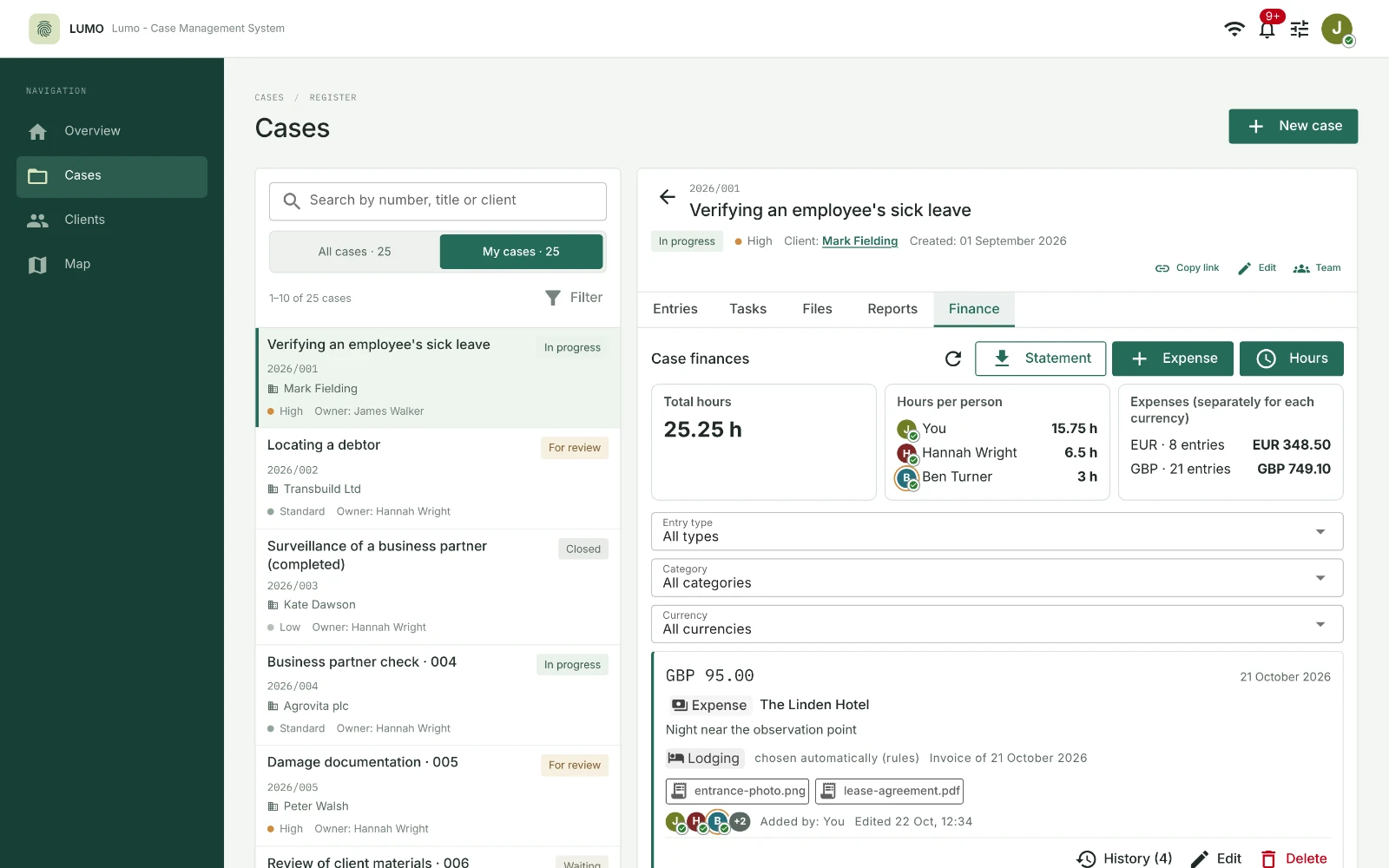
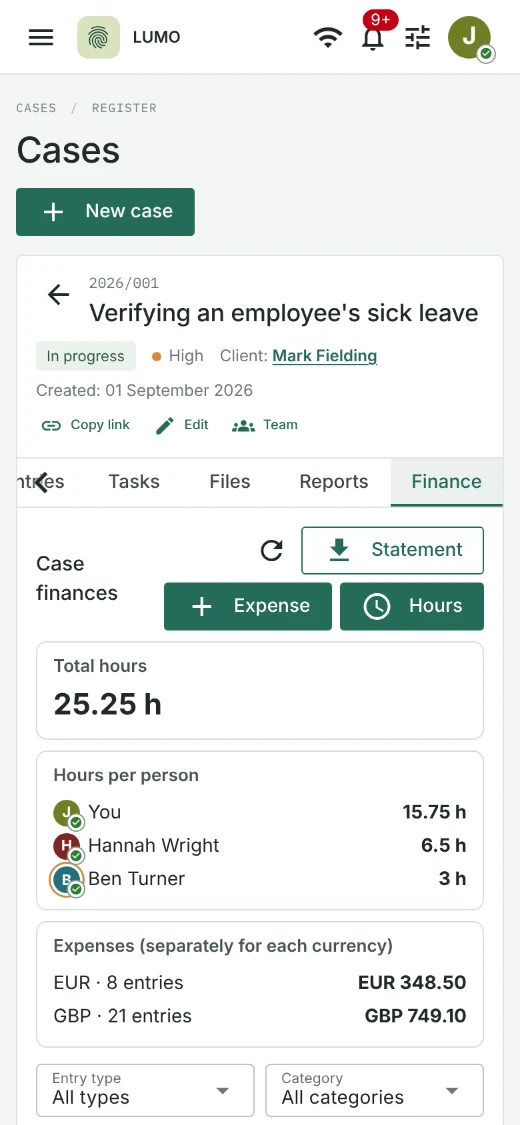
Use the materials you have gathered to prepare a report with your agency’s own template. Record working hours and expenses in the same case to make billing easier.
- Download the report as Word or PDF.
- Attach receipts to expenses and total the amounts separately for each currency.
- Check how many hours each person has worked on the case.
In the field
Office and field work in one system.
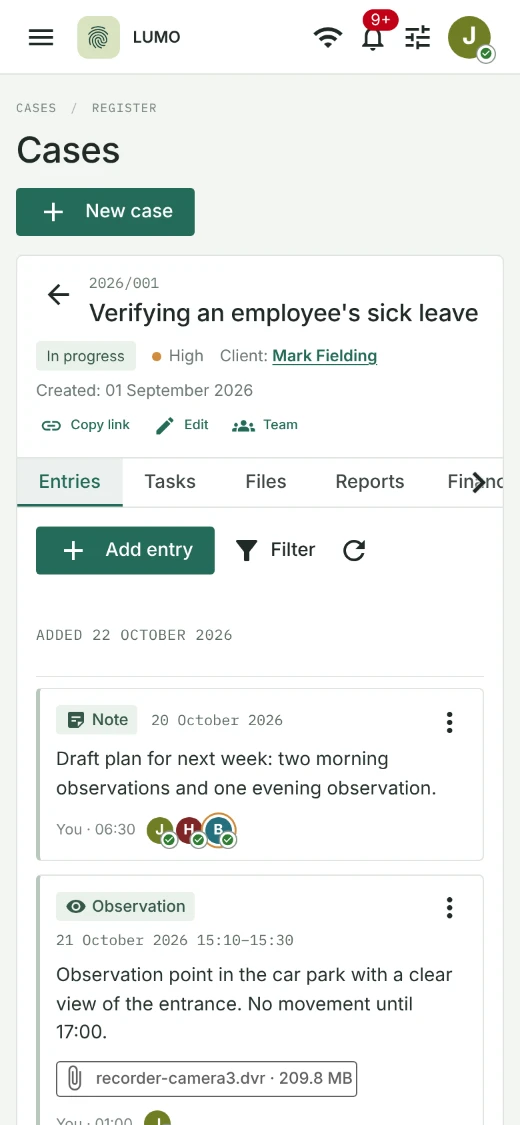
Open a case in your phone’s browser while you are in the field. Add notes and photos on the spot, check your tasks, and review expenses and reports.
Surveillance timer
Start the timer when surveillance begins and stop it when you finish. The system saves the time and creates a note for you to fill in. You can also write a note manually.
Location and team map
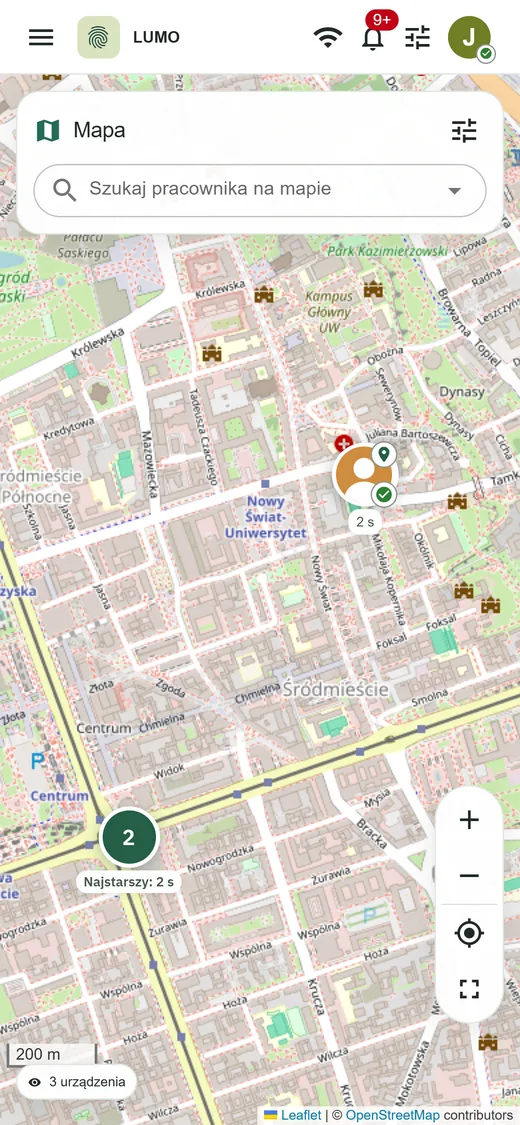
Each employee turns location sharing on themselves. From the office, check the team’s locations on a map or choose the people working on a particular case.
Phone notifications
Your phone alerts you to a new task or entry. The notification shows the case number; open the system to read the content.
GDPR data control
Your agency’s data under your control.
We install the system on your servers or set up the infrastructure for you. Your data stays with you, without being processed by external services. We also help protect your servers against unauthorised access.
- Getting started
- We will prepare a separate system for your agency, running on your equipment.
- Files
- You decide who can access files. The system keeps the originals and an activity history for each file.
- Backups
- We protect backups against unauthorised reading and check that data can be recovered from them.
- Sign-in
- Each employee has an individual account with an extra confirmation when signing in and an activity status.
- Artificial intelligence
- Planned Adding an AI assistant to help prepare reports, invoices and allowing to query case details.
Less paperwork. More time to investigate.
Tell us how your agency works. Together, we will agree which features your team needs and how to set up the system.
Request a LumoAssistant presentation